A mouse for your laptop and desk: what to check
3 min read · Voltensa team ·
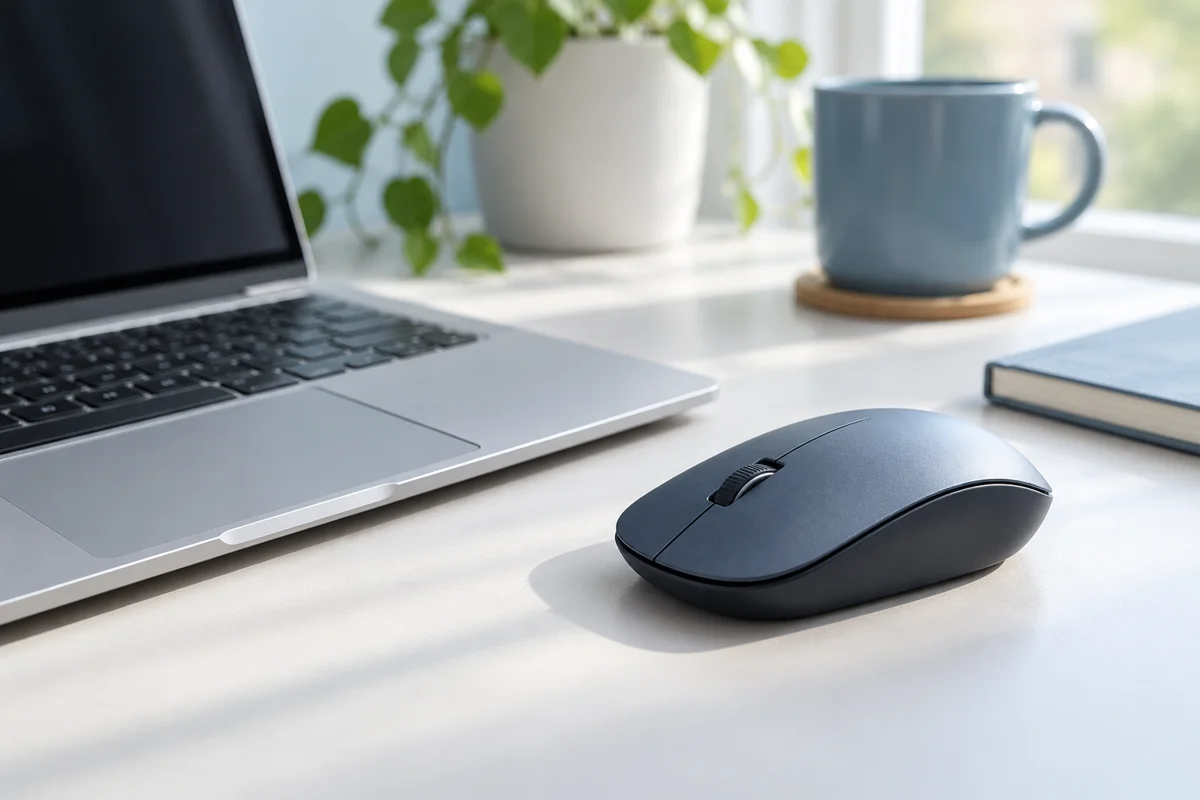
Choose a mouse that suits your hand, workspace and device. Decide whether you will carry it every day or keep it on the desk.
Size and shape
A compact mouse is easy to carry but may not suit long sessions. Compare its dimensions with a mouse you already use. If possible, try the shape and button positions. Do not rely on the photograph alone.
Cable, USB receiver or wireless connection
A wired mouse uses a computer port. Wireless models may require a USB receiver or another supported connection. Check whether the receiver is included, which port it needs and device compatibility, especially on a laptop with few spare ports.
Buttons and sensitivity
For documents and browsing, comfortable buttons and predictable movement often matter most. If you need extra buttons or adjustable sensitivity, check the controls and any software requirements. Check operating system support for specialised uses.
Batteries and charging
Find out whether the wireless mouse uses replaceable batteries or recharges. Check the package contents and whether the receiver can be stored inside the mouse. For travel, that may be more useful than an extra button you rarely use.
Topics
More from the blog
How to choose a phone charger and cable →