How to choose a USB-C cable for charging and data
3 min read · Voltensa team ·
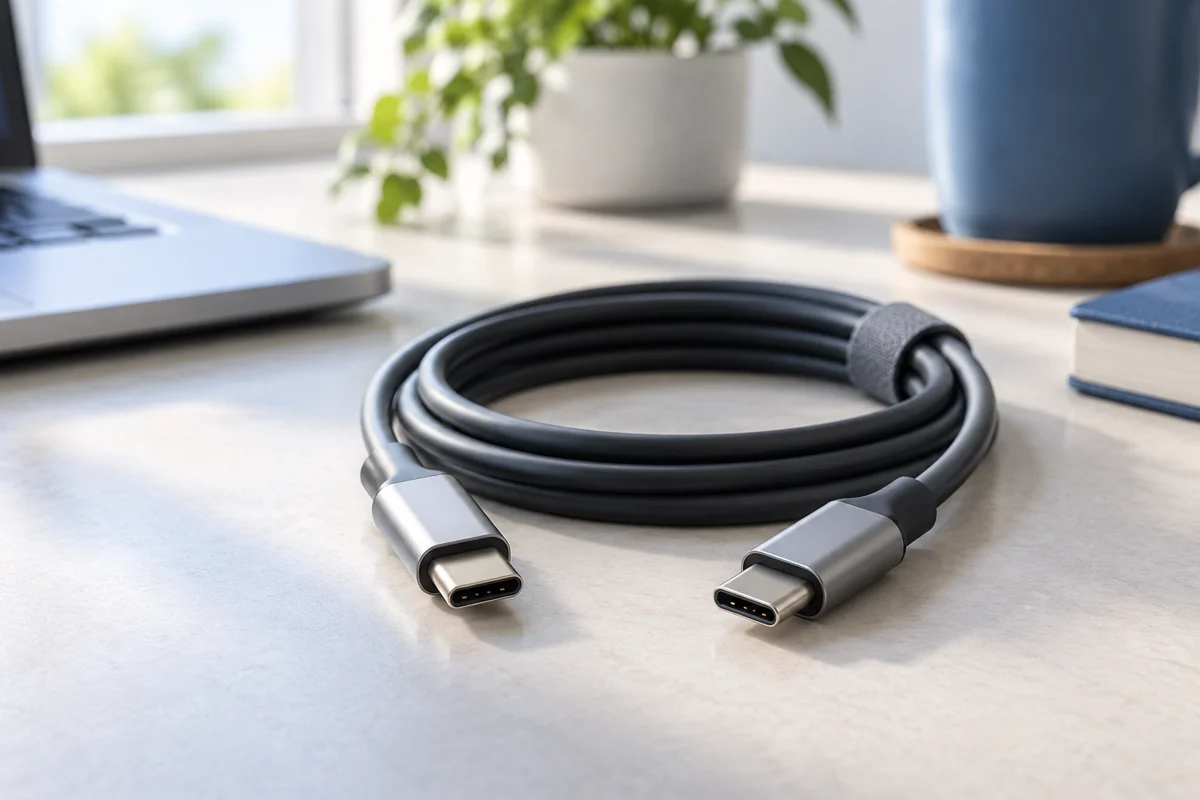
A cable may look familiar but serve a different purpose. Start with the task: charging, connecting a computer or using an external monitor.
Check USB-C and USB-A connectors
Identify the ports on both devices before comparing power and speed. USB-C to USB-C and USB-A to USB-C are different combinations. If you need an adapter, check that too. Product specifications are a better guide than the photograph alone.
Charging and data are separate capabilities
USB-C describes the connector. Power delivery and data transfer must be checked separately in the cable specification. For large files, look for an explicit data rate. For charging, compare the rated power with the requirements of the device and charger.
Choose the right cable length
A short cable works well beside a laptop or power bank. A longer one offers flexibility but creates more cable to organise. Measure the distance to the socket or USB port and allow a little room for movement.
A checklist before buying
Confirm the connectors, required power and data needs. For a monitor, check video support on the port, cable and adapter. If a capability is not specified, ask about the exact model rather than assuming that every USB-C cable supports it.
Topics
More from the blog
How to choose a phone charger and cable →