Useful laptop accessories: start with your needs
3 min read · Voltensa team ·
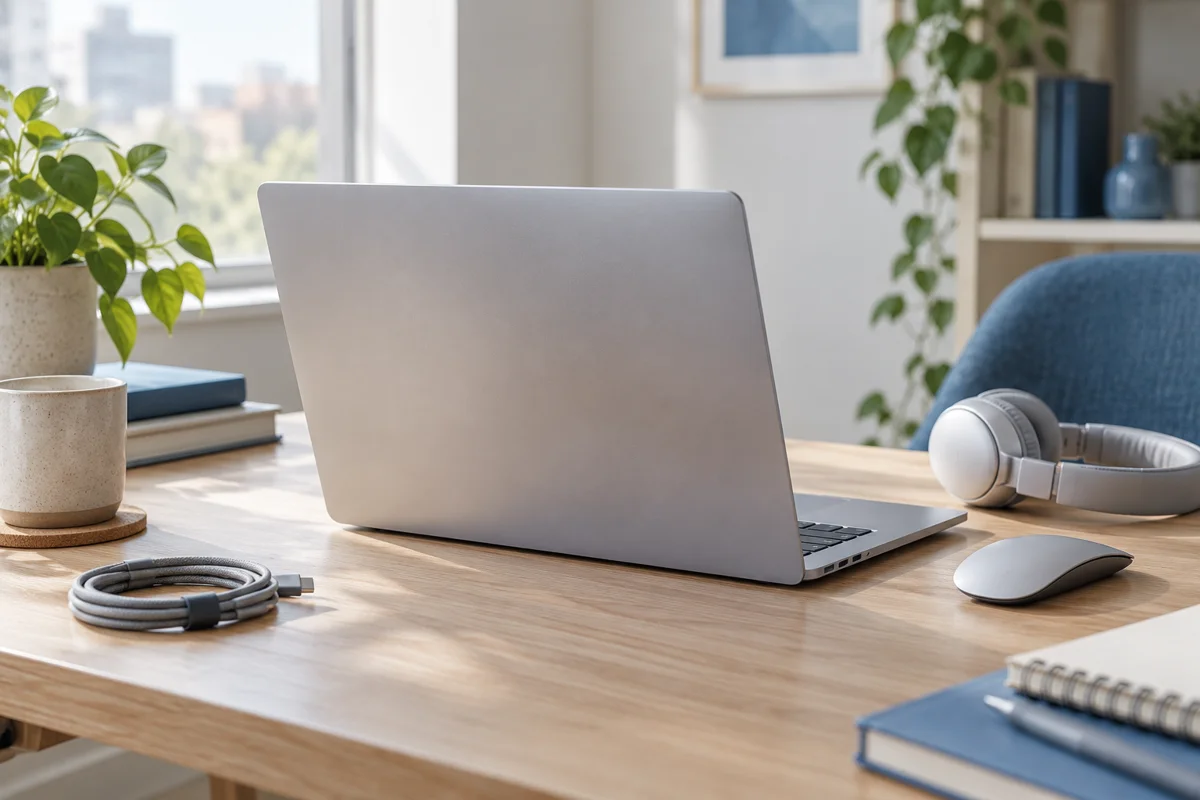
You do not need every accessory at once. Start with the real problem: a missing port, awkward controls, a short cable or calls without a suitable microphone.
Ports and adapters for your laptop
Note the exact laptop model and check its ports in the documentation. Define what you want to connect. An adapter should solve a specific task. For an external monitor, verify video support and compatibility across all components.
Cables and desk organisation
Measure distances to the socket, monitor and charger. Choose suitable cable lengths and leave space around the device. If you work in several places, decide which accessories will travel with you and which will stay on the desk.
A mouse and headset for daily work
A mouse may make navigation more comfortable, while a headset with microphone can help with calls. Compare their connections with the laptop’s ports and capabilities. Check that the package includes any receiver or cable you need.
Choose for a specific task
Describe the task rather than just searching for accessories: connecting a monitor, making laptop calls or transferring files. This makes suitability easier to check. If uncertain, send the laptop model and intended connection before ordering.
Topics
More from the blog
How to choose a phone charger and cable →